
All of our RGB products, and most RGB products from other manufacturers, that use the standard 5V ARGB connector below are ARGB1 devices.
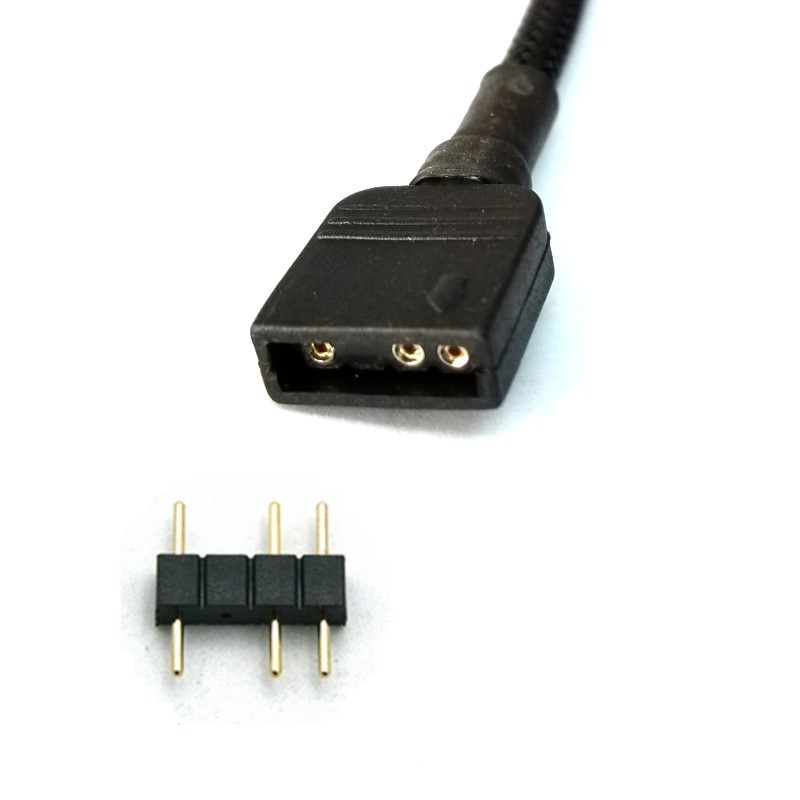
Whereas the Meshify 3/XL cases and our Momentum fans are ARGB2 devices. So if you want to connect ARGB1 devices to the Adjust Pro, you would have to change the port they are connected to to ARGB1 in the Adjust Pro Web Application.
You would also need to put input how many LED lights are in that chain connected to that port.
Examples of our ARGB1 devices and their LED counts:
- Lumen & Celsius+ CPU Block - 6 LEDs
- All Aspect & Prisma 120/140mm fans - 6 LEDs
- Prisma 180mm fans - 12 LEDs
Any devices from other manufacturers we would recommend checking with said manufacturer for the LED count of the device.
In the example pictures below, there are three Momentum fans and two Prisma 180mm fans connected to an Adjust Pro.
The Prisma 180mm fans are connected to Port 2, so Port 2 needs to be changed to ARGB1.
The Prisma 180mm fans are connected to Port 2, so Port 2 needs to be changed to ARGB1.
The LED count was then changed to 24 since there are two Prisma 180mm fans connected on the same port.
(If you do not change the port to ARGB1 on the Web App then there will only be a single green LED illuminated on ARGB1 devices connected to the Adjust Pro, and will not show up on the Web App)